Set your docs up right
Secret Weapon #006
16 April 2025
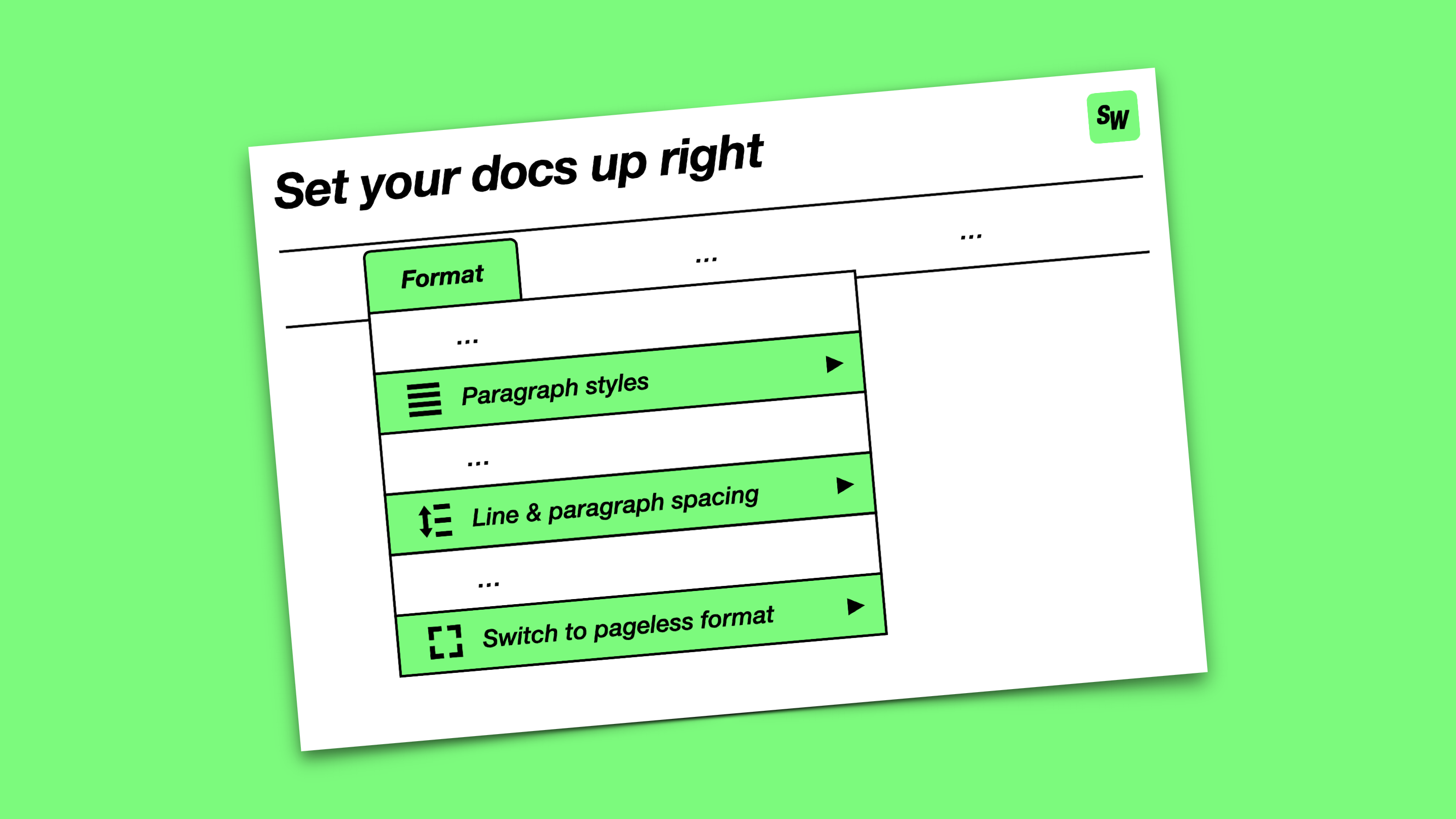
If you’re reading this then there’s a good chance Google Docs makes a regular appearance in your professional life.1 I’m here today to implore you to set your documents up properly – for your own benefit but also for everyone else!
Here are my top three rules for crafting better docs:
- Use styles for headings, not manually adjusted font sizes or weights
- Use spacing in between paragraphs, not blank lines
- Use a pageless layout, not a digital facsimile of A4 paper
You can find all of these under “Format” in the Google Docs toolbar.
CHART
These three rules are downstream of the most important principle of all for digital documents: separation of content and presentation.2
Working like this does require some upfront effort to master the tools and dial in your preferred settings. But once that’s done it pays off pretty quickly:
- It’s faster to navigate within your document (e.g. using hyperlinks to headings)
- It’s easier to make global changes to how your document is presented
- It’s more comfortable working across different screen sizes / devices
The real win, however, is for all the other people in the document with you. Shared documents are where a lot of modern-day collaboration takes place. Your colleagues can do their best work if you make it easy to stay focused, so sparing them from fiddling with fonts and page breaks is a great gift to give – anytime of year.