How to put AI on your laptop
Secret Weapon #010
14 May 2025
If you’ve used an AI assistant recently then it’s likely that the model powering it was running somewhere in the cloud, and that you interacted with it either through its website or the corresponding app on your phone.
Those are both convenient options – but it’s also pretty easy to run powerful AI models on your own computer. This is well worth investing some time in, especially if you’re interested in learning more about AI:
- There are lots of different models to try out
- You can customise them easily (e.g. change the temperature or system prompt)
- Processing is done locally, rather than sending data to a third party
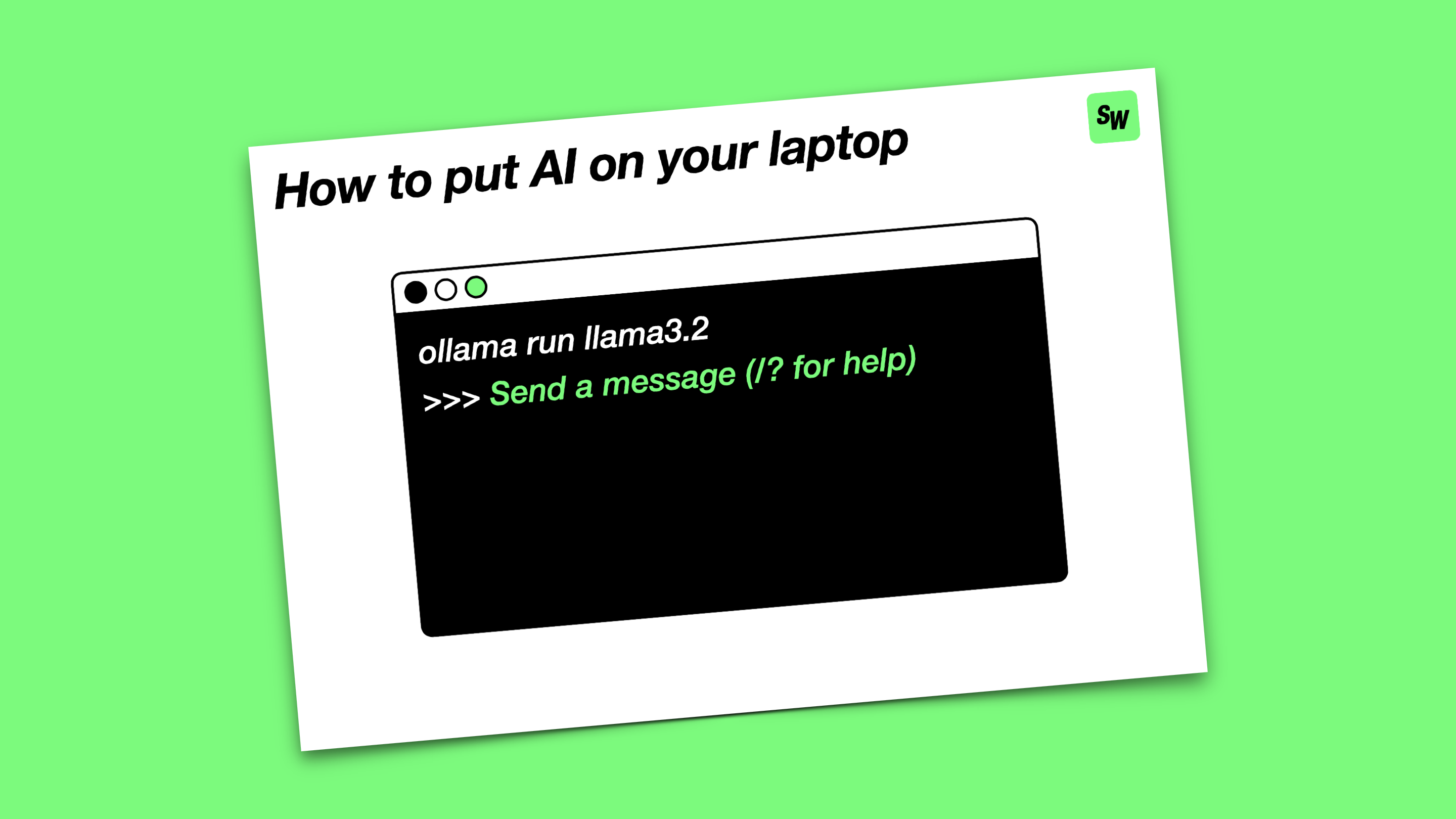
I usually recommend Ollama as a great starting point for local inference. Installing it takes care of all the behind-the-scenes stuff, after which you can download and run AI models locally with a single command.
Ollama offers a great selection of open source models to choose from. These are some of my favourites:
- Llama 3.2 – super small with great performance
- Llama 3.2 Vision – adds the ability to attach images to your prompts
- DeepSeek-R1 – reasoning model that shows its chain of thought
You can control Ollama directly from a Terminal window, but there are also lots of community integrations that add user interfaces and other features (give the Enchanted app and Raycast extension a go if you’re on a Mac). Have fun!